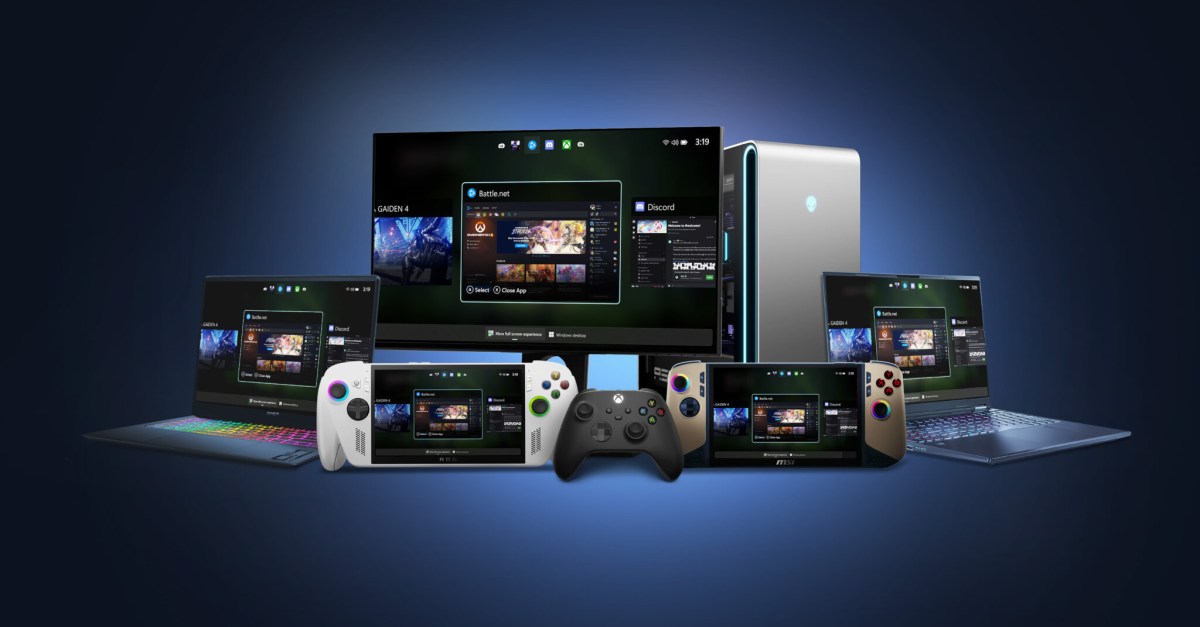

Microsoft is set to enhance the gaming experience on PCs by introducing the Xbox Full Screen Experience (FSE) to a wider array of devices, including laptops, desktops, and tablets. Previously, this console-style user interface was exclusive to the Xbox Ally and Xbox Ally X, limiting its availability to PC handhelds.
This expansion is part of the latest Windows Insider Preview Builds, accessible through the Dev and Beta channels, as well as to participants in the Xbox Insider Program. To activate FSE on your PC, simply hover over the Task View icon on your taskbar and select the Xbox full screen experience. Alternatively, you can access it via Game Bar settings or quickly toggle it using the shortcut Win + F11.
However, potential users should be aware that the feature is rolling out gradually. Even if you’re part of the Windows Insider community, you might not see the update immediately. Additionally, to enjoy this new feature, the Xbox app from the Microsoft Store must be installed on your device.


