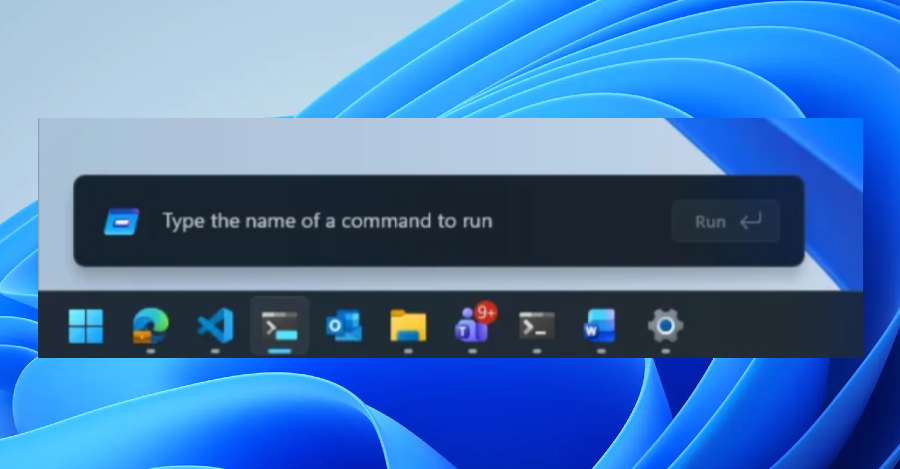

Microsoft recently announced a significant tweak to its Run menu, opting to remove the “Browse” button, traditionally used as a shortcut to access user files. The decision came after Microsoft observed minimal usage of this feature. To enhance user experience, they introduced a new command, “~,” which directs users straight to their personal directory.
The tech giant shared that the revamped Run menu is crafted using code from the Command Palette, a versatile tool found in PowerToys. This utility enables users to swiftly execute commands, visit websites, and search for files. Windows 11 Insiders can activate the updated Run menu by navigating through Settings > System > Advanced and toggling the new option. A preliminary version of this redesigned menu started appearing in preview builds last year, giving users a glimpse of what was to come.
Microsoft highlighted their collaboration with various partners to ensure that the user interface operates seamlessly. “The enhancements we’ve brought to the platform not only make the Run feature faster but also contribute to the overall efficiency of the operating system,” Microsoft stated in their blog post, emphasizing the broader impact of these improvements.


