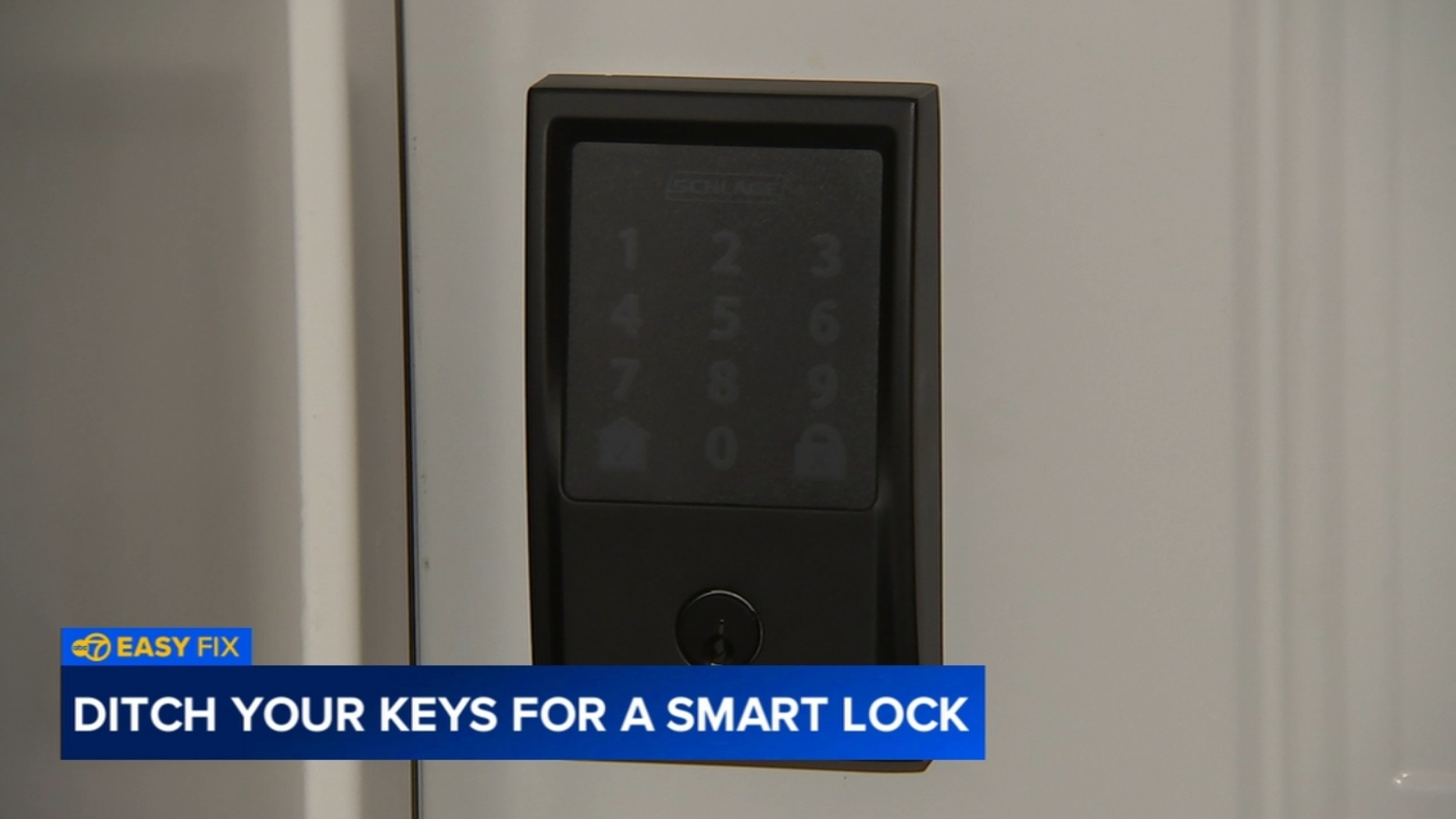
CHICAGO (WLS) — Getting locked out, juggling a handful of groceries at the front door or hearing that the kids have misplaced their keys again can turn a routine day into a headache. For homeowners looking for a simpler way in and out, a smart lock can offer both convenience and peace of mind. According to DIY Playbook’s Casey Finn, swapping a traditional deadbolt for a digital smart lock is a manageable project for many homeowners and can often be finished in under an hour.
Supplies
For this project, you’ll need a Smart WiFi Deadbolt Kit, which typically includes the new latch plate and batteries, along with a Phillips screwdriver, a drill just in case adjustments are needed, and a smartphone to complete the app setup.
-Smart WiFi Deadbolt Kit, including new latch plate and batteries
-Phillips screwdriver
-Drill, if needed
-Smartphone
ALSO READ: Unmasking the Church: Hugh Jackman's Faith and Emily Watson's Chilling Accusations
Step-by-Step Breakdown
Step 1: Remove the Existing Deadbolt
Start on the inside of the door by using a screwdriver to loosen and remove the interior portion of the old lock. Take out the remaining deadbolt pieces until the door is left with a clean opening, ready for the new hardware.
Copyright © 2026 WLS-TV. All Rights Reserved.